



Okay, so here’s the whole idea: You walk into the ICT Cafe at Caraga State University, scan the student ID, and a kiosk gives you a PC and a six-digit code. You type the code, the PC unlocks, and when your time is up it locks itself again. Everyone gets the same five hours a week. I created this project for my internship at ICTCH at CCIS, under the supervision of Mr. Clark Justine Gonzales.
It sounds simple, but a shared computer cafe gets complicated really fast. There are only so many PCs, everyone gets the same hours, and a lot of people have really good reasons to want more of them. Whatever rule I added, someone eventually found the edge of it. So a lot of this project ended up being me figuring out what’s fair when something goes wrong, like when a PC crashes in the middle of someone’s session, when the power goes out, or when a friend lends you their hours.
It started as one prototype that locks a PC and somehow turned into four apps and a server. The kiosk is the front door. The client lives on every cafe PC and keeps it locked until you’re allowed in. The Manager is the ICT Cafe admin’s desk, and it secretly carries the whole server inside it (my favorite part, we’ll get there). And the website tells you which PCs are free from your phone. I used Tauri and React on top, Rust underneath.
For the UI part, I’m only showing the two apps students actually touch: the client and the kiosk.
Day one vs. now
My very first commit was a stock Tauri page with two buttons on it: Enable Lockdown and Disable Lockdown. That was it. That was the product. The first real lock screen showed up the next day, and I never took a single screenshot of it because I didn’t think anyone would ever care. So for this post I pulled the old code back out of git, built it again, and ran it. Everything on the left side of these sliders (and in the phases below) is the real app from that day, not a mockup.
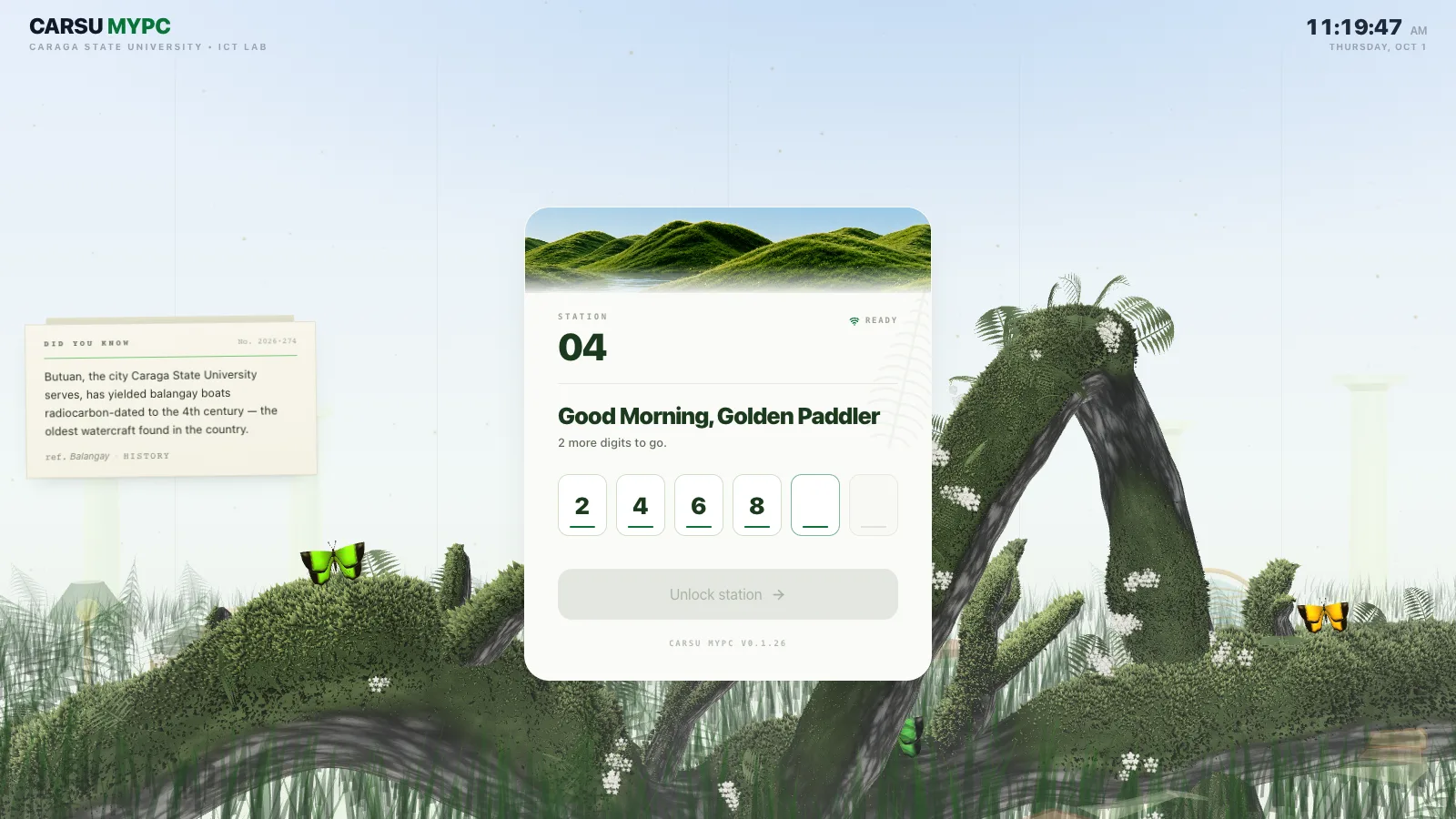
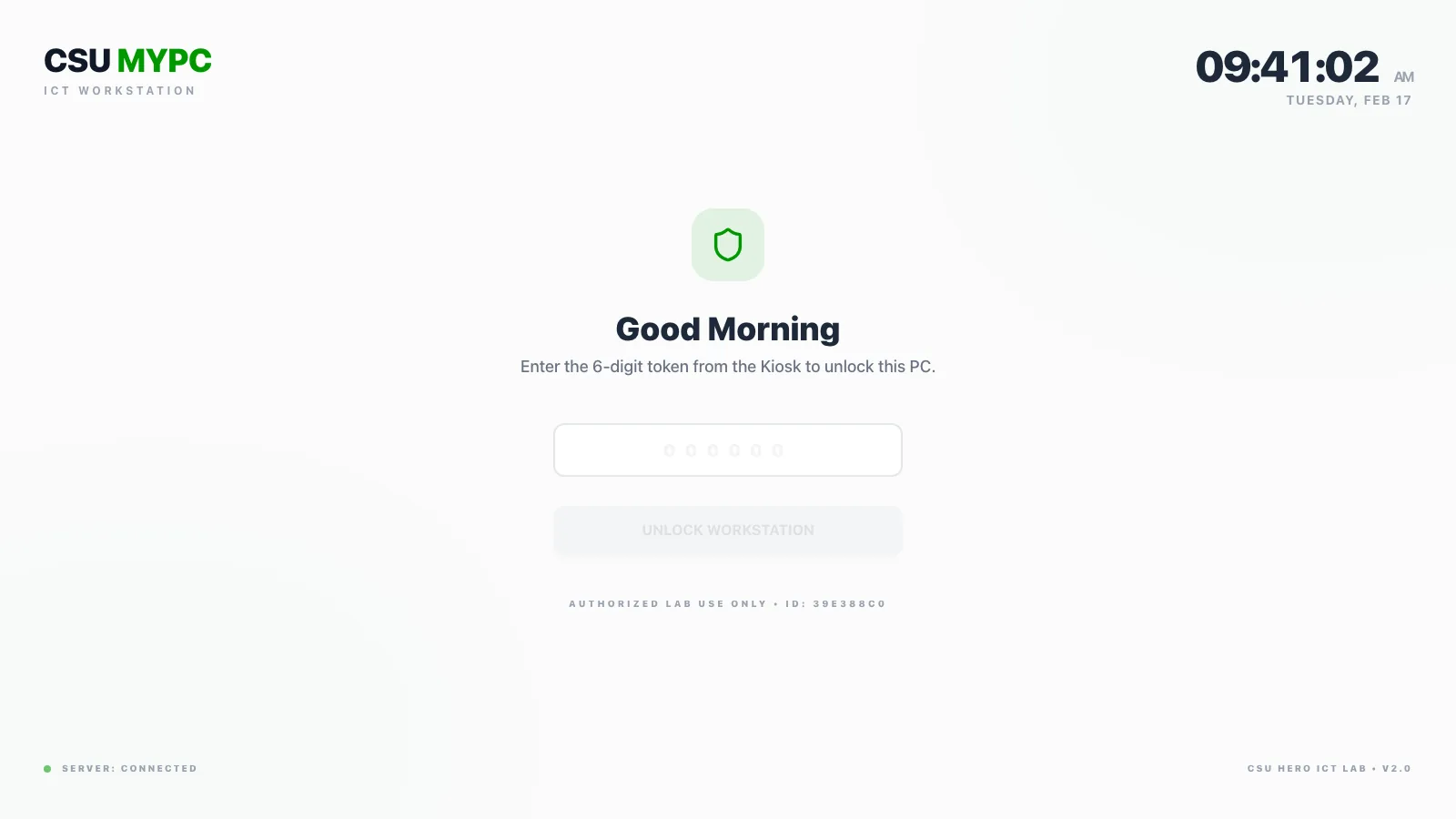
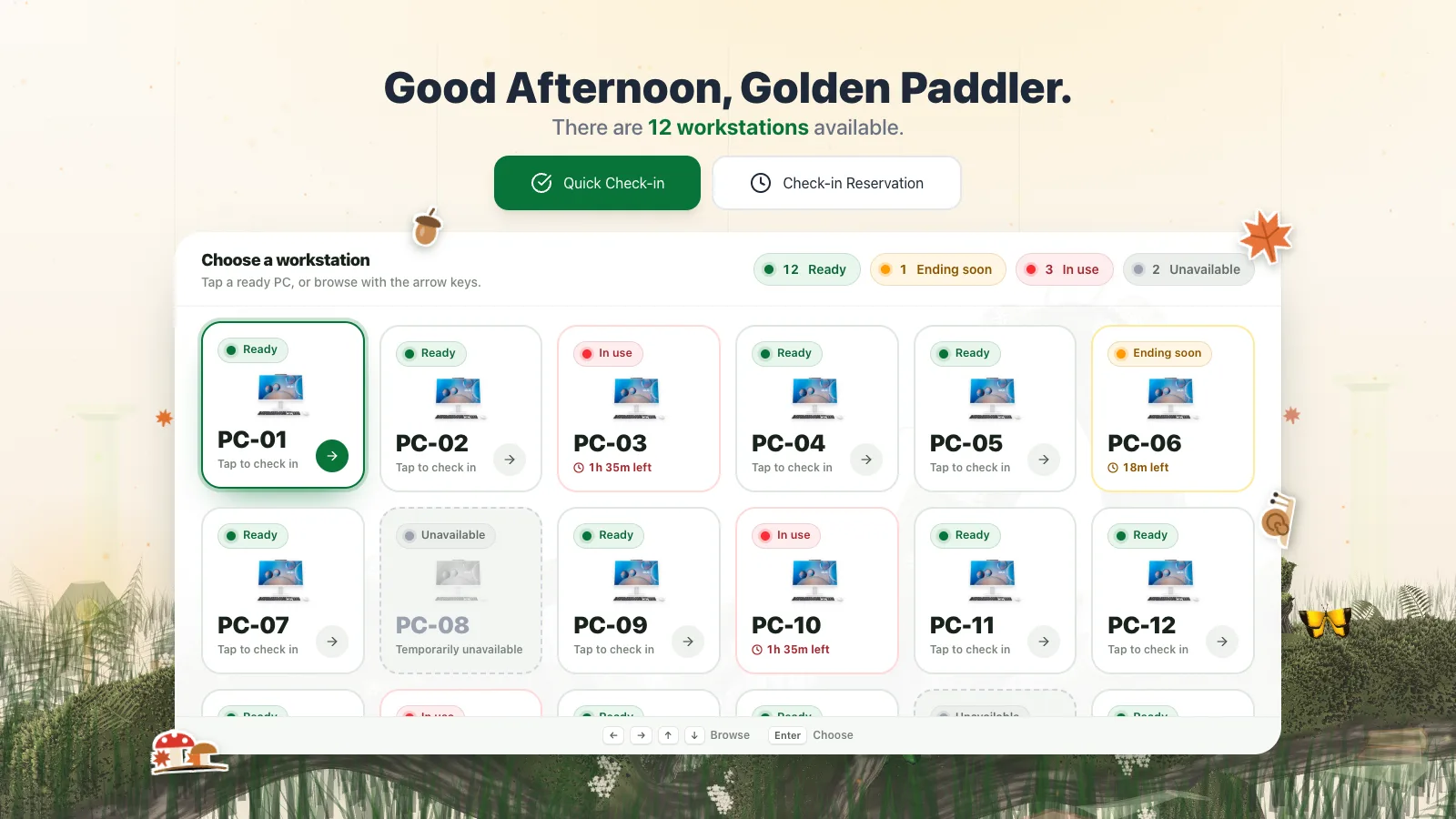
The funny thing is that the actual content barely changed. Eight months later it’s still a greeting, a clock in the corner, six digits and one big button. What changed is how it’s all put together. The first version had everything at the same volume, so nothing really stood out. Now it’s one calm paper card on top of a 3D scene, and your eyes go straight to the code.
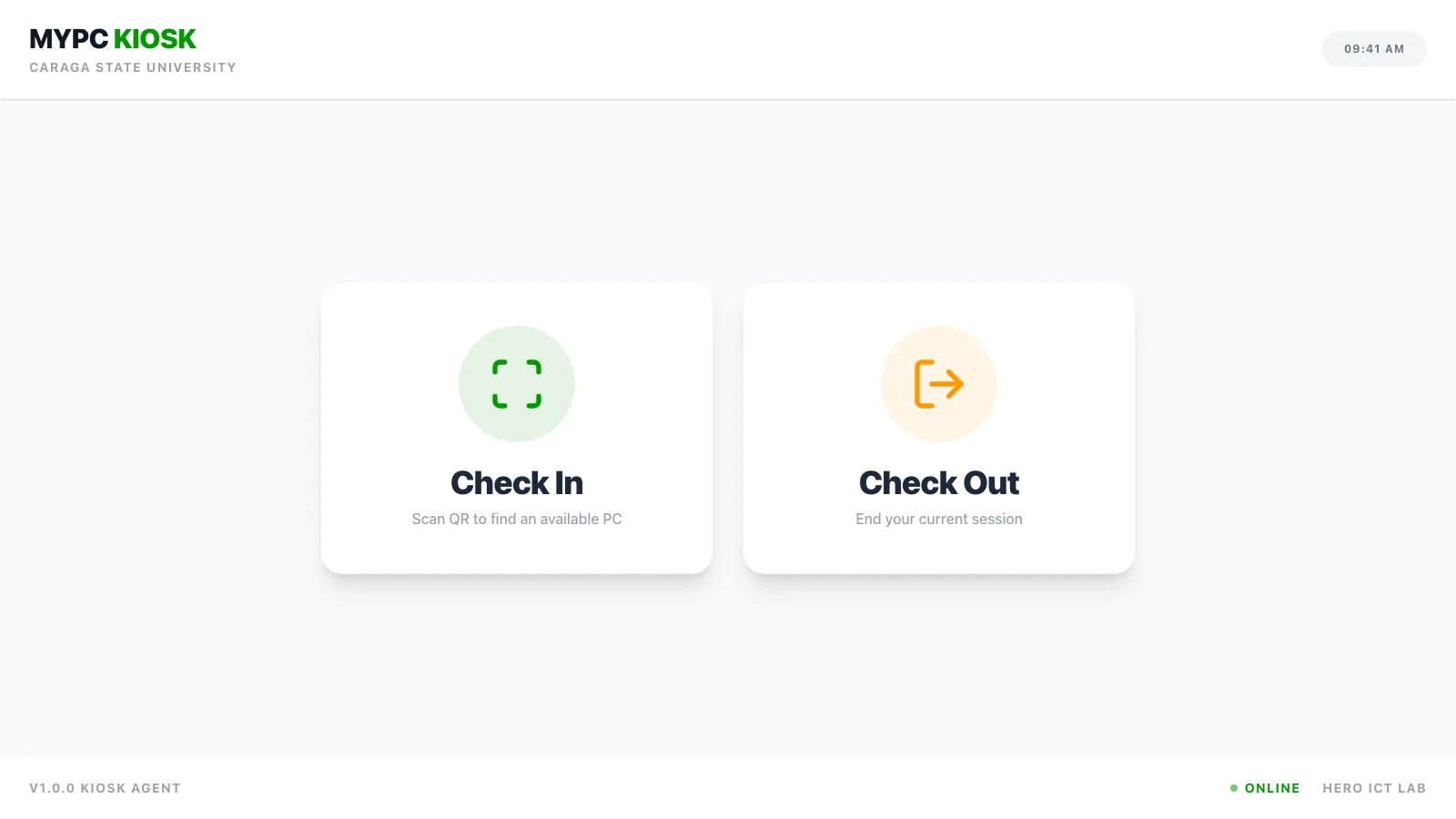
The kiosk changed more. On day one it asked you “in or out?” Now it just shows you the whole room, what’s ready, what’s ending soon and what’s taken. People pick way better when they can see what’s actually going on, instead of me asking them to guess.
Everything in between
It definitely did not go straight from A to B. I redesigned these two screens more times than I want to admit, and every version felt finished right up until it suddenly didn’t. Looking back, each phase was me overcorrecting for whatever annoyed me about the last one. Here’s roughly how it went:
- 01feb
The very first versionfeb
Bright #009900 green, Inter, dot grids and big black buttons everywhere. The lock screen was basically one giant underlined box for your code, and the kiosk was two cards: check in, check out. By the end of that same day the kiosk already had a grid of PCs and a little QR that turned green when it scanned. Everything was loud because I hadn't figured out yet what actually mattered on the screen.
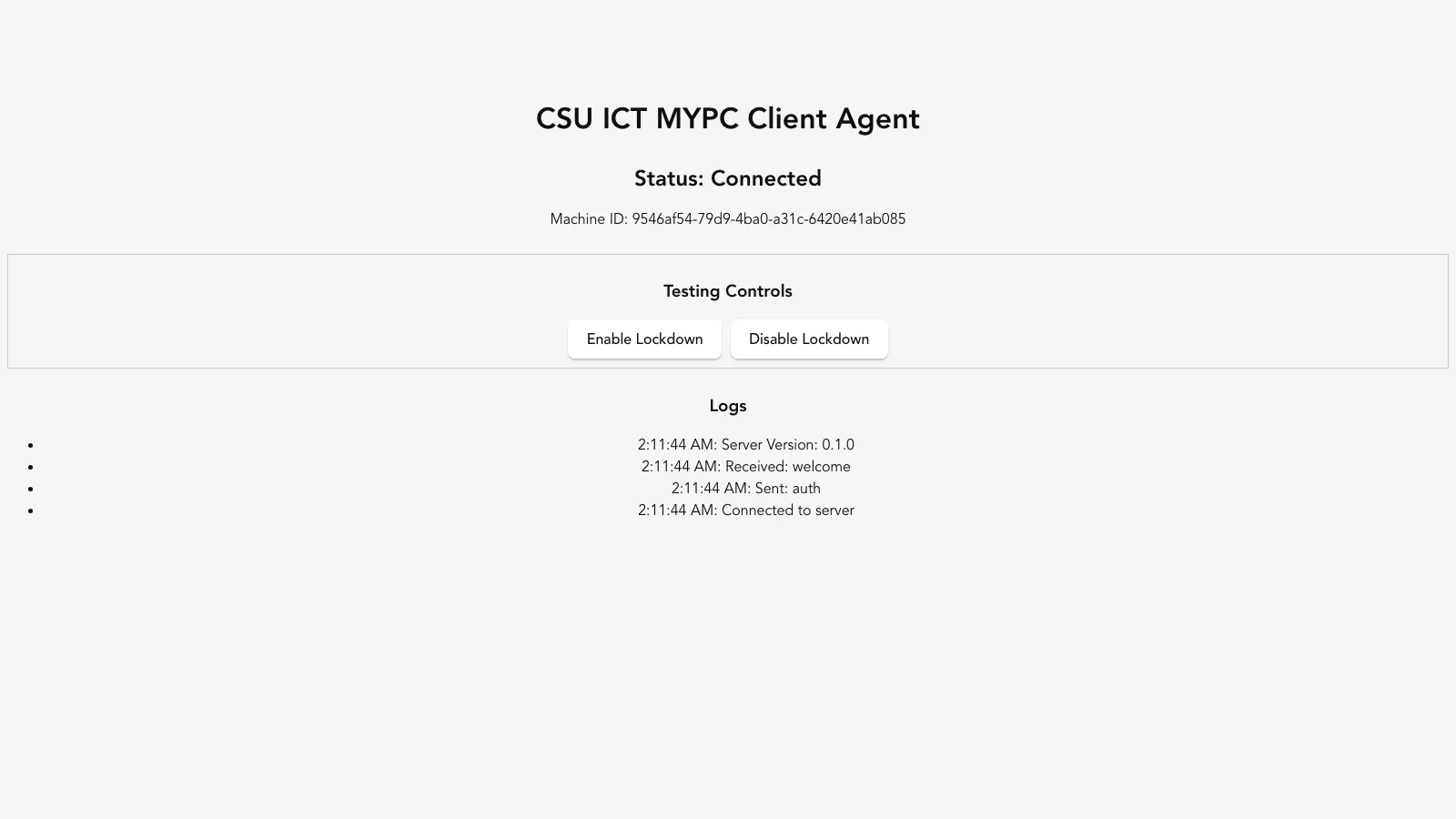
client · day 0, the very first commit client · lock screen 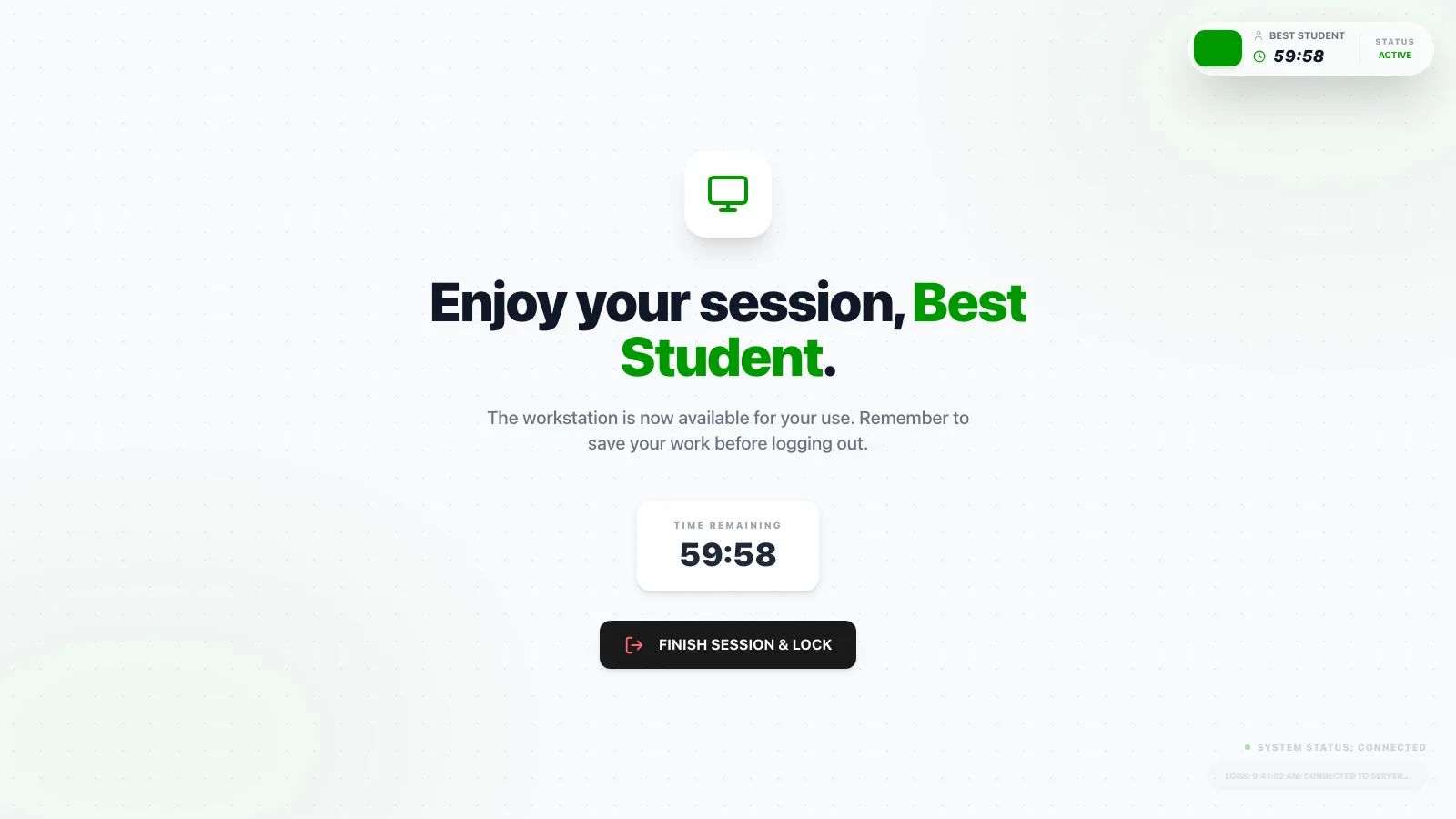
client · session kiosk · check in / check out 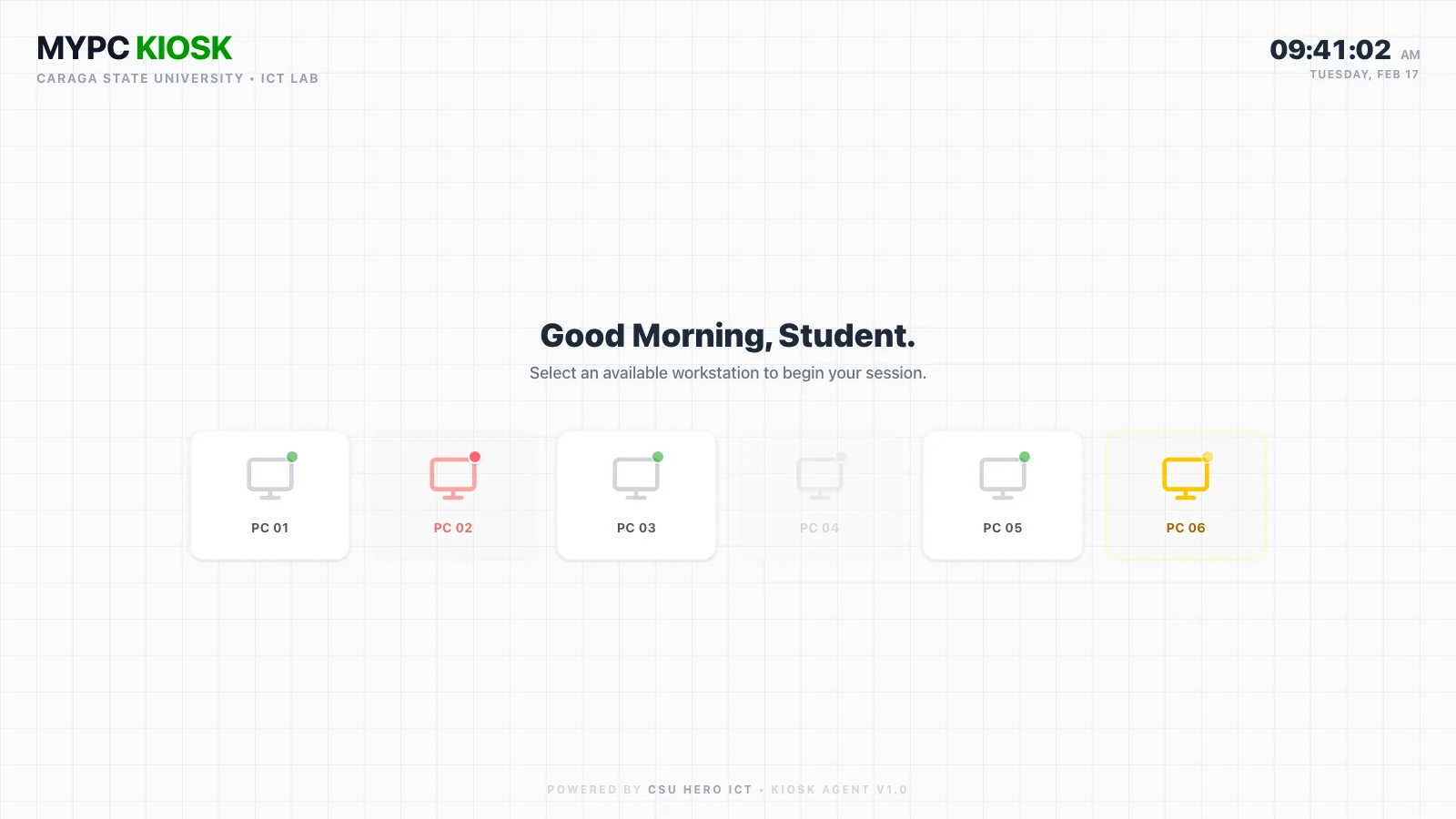
kiosk · pc grid, same day 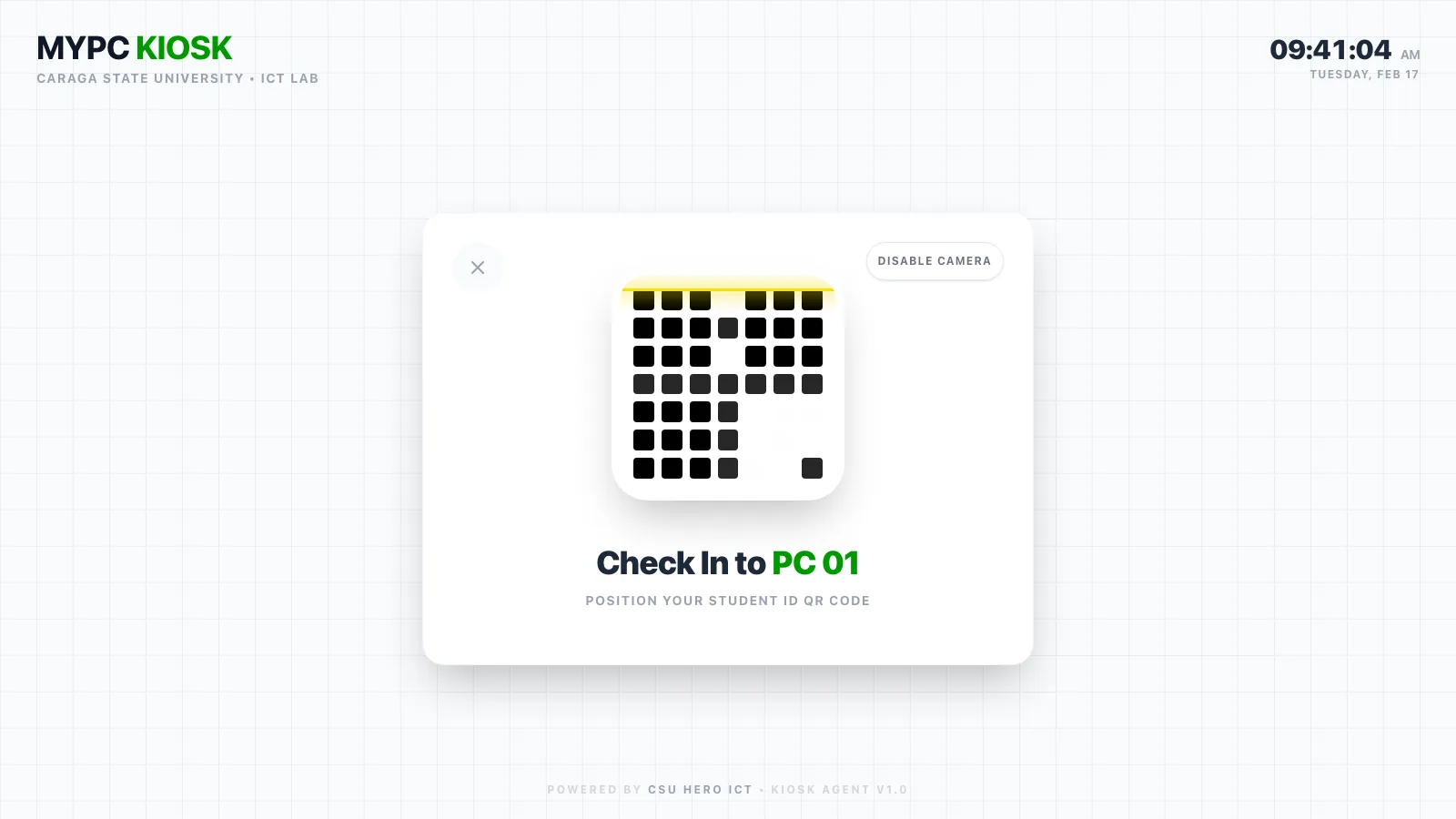
kiosk · qr scan - 02feb – mar
Everything turned into glassfeb – mar
Everything went frosted. A huge rounded glass card on the lock screen, a black workstation pill, and a tiny dark widget that floated on top of everything so you could always see your time. It looked pretty, but blur on top of blur got hard to read, and it took me a month to admit it.
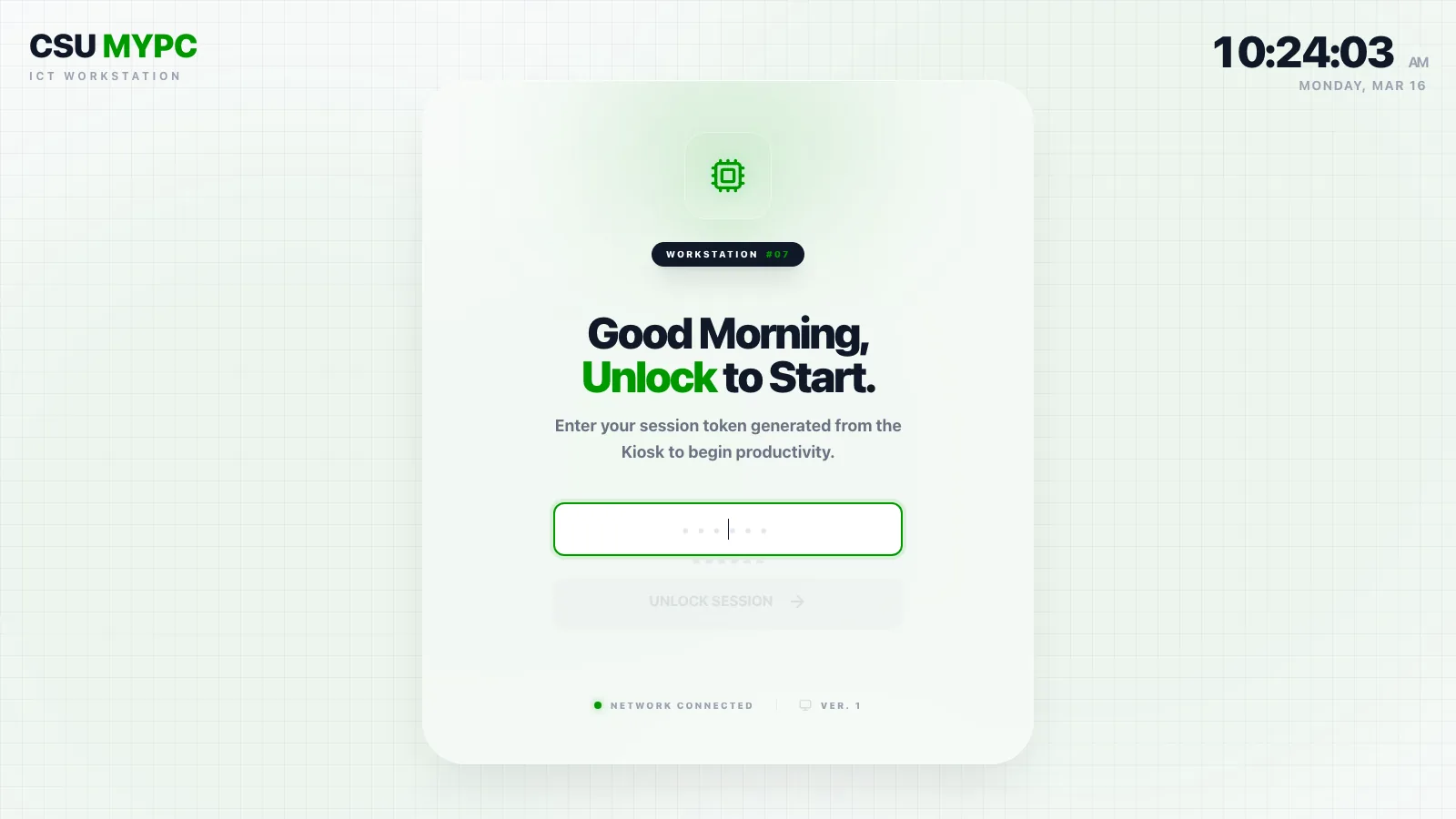
client · lock screen 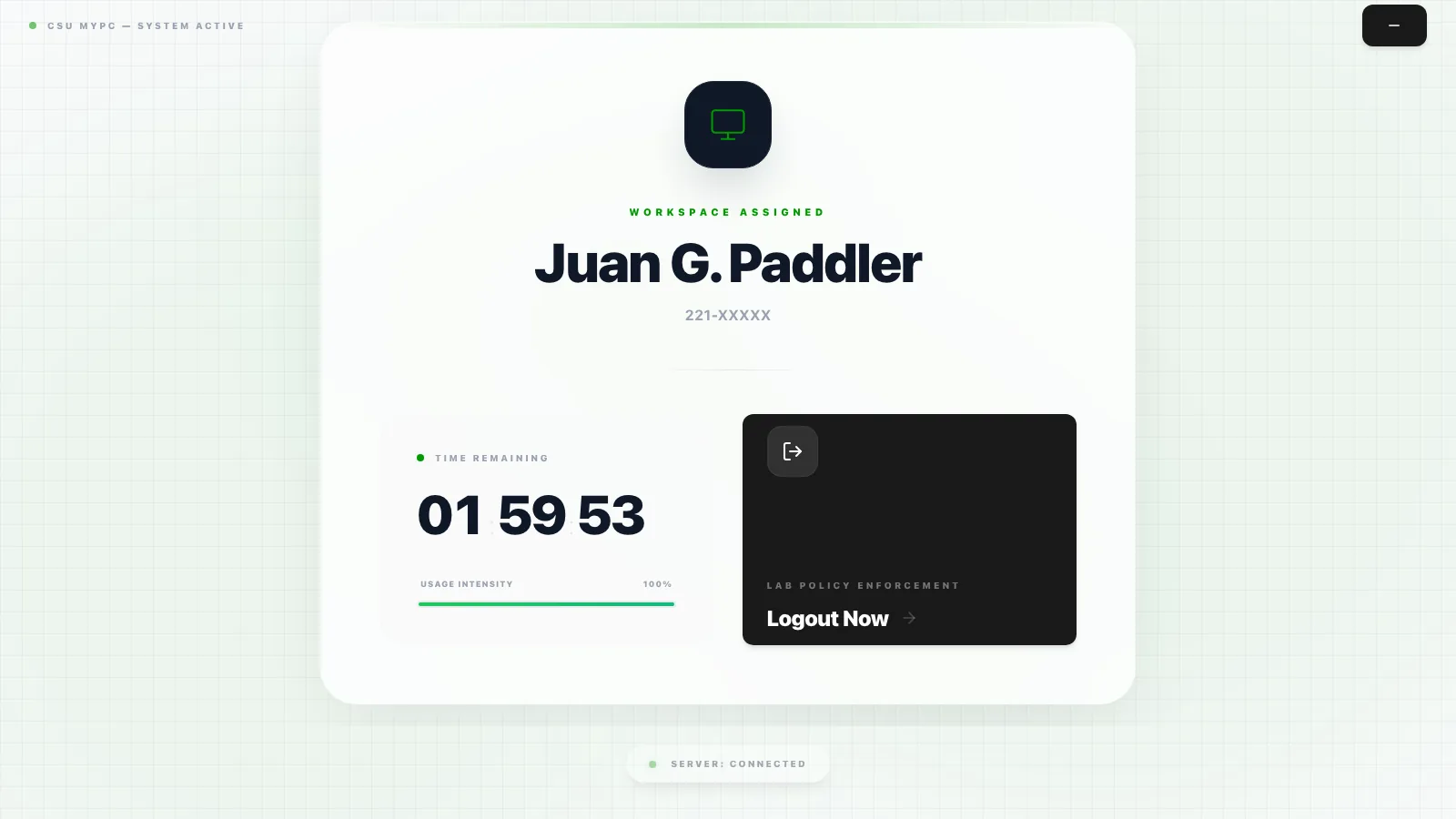
client · session 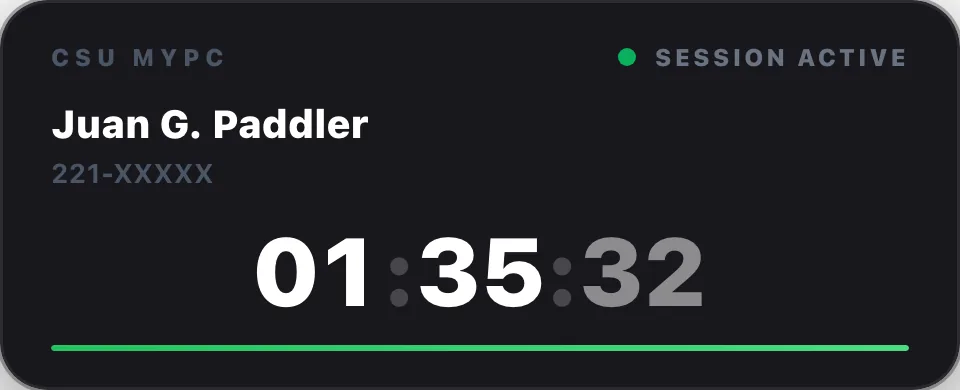
client · floating timer widget 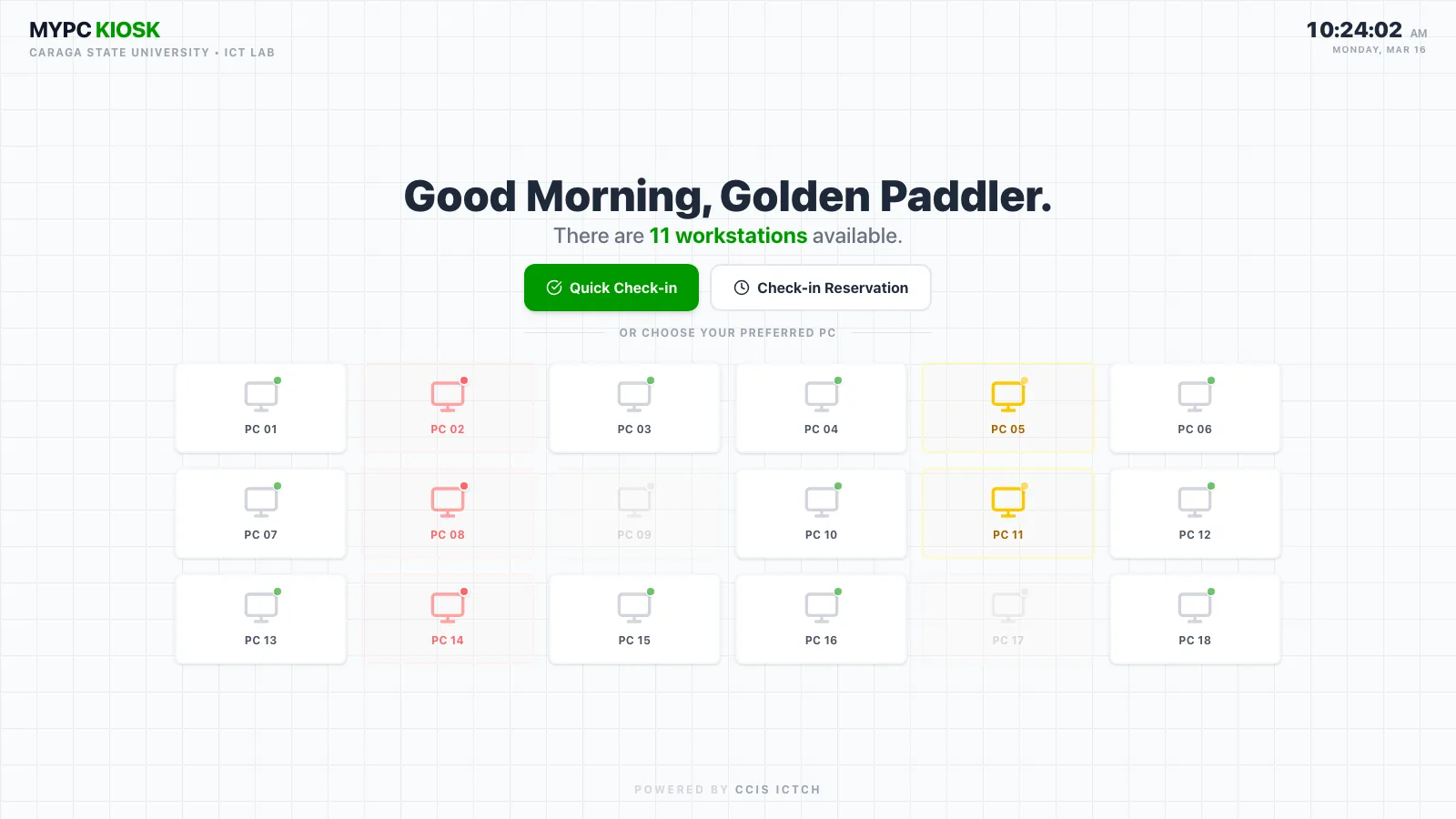
kiosk · home - 03apr
Square cornersapr
Then I swung the other way. Square corners, a mono timer, flat gray boxes, and a deeper green (#087438) that's been here ever since. The kiosk got a reservation button, a carousel so you could pick your own PC, and sounds, so you didn't have to keep staring at the kiosk to know it worked.
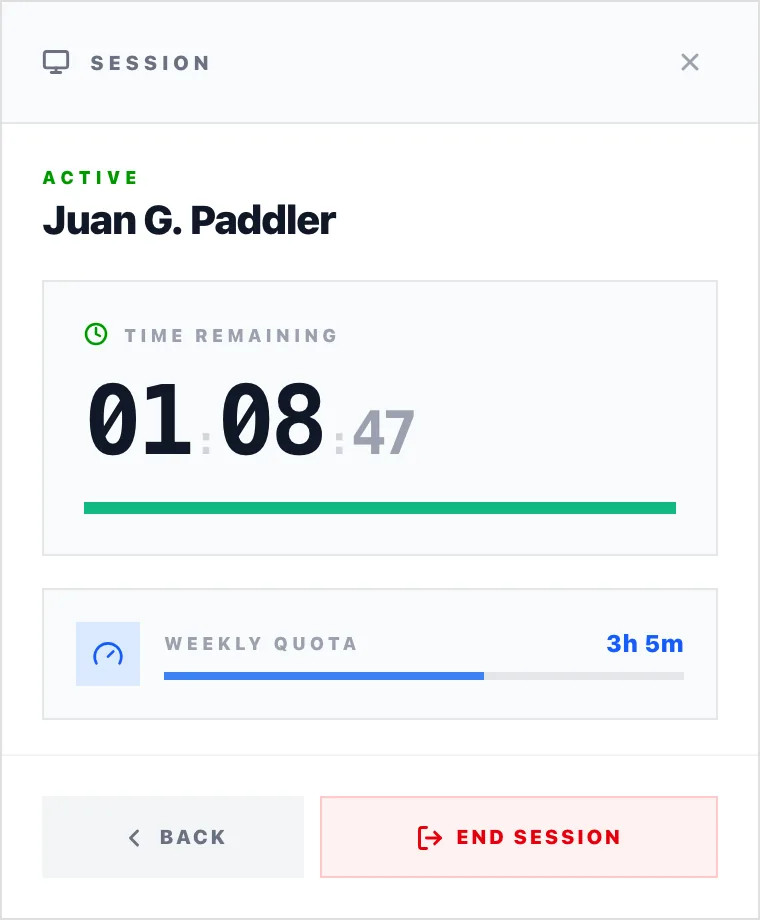
client · session panel 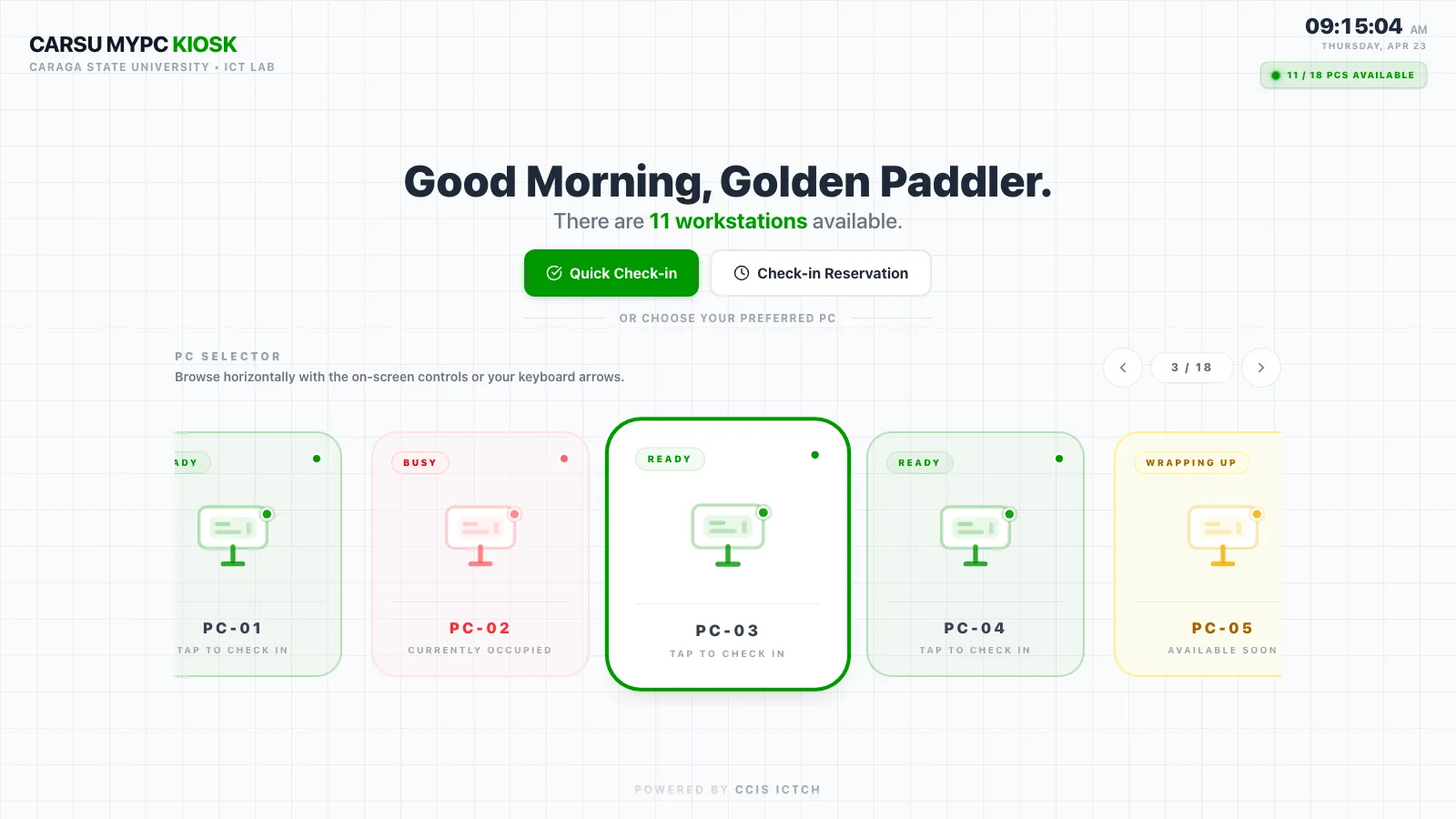
kiosk · pc carousel - 04may – jun
When it became CarSU MyPCmay – jun
"CSU MyPC" officially became "CarSU MyPC." Slate everywhere, a two-column session screen with a dark end-session card, plus the first walkthrough video and handbook. This is around when it started feeling like one product instead of four apps, mostly because they finally shared the same spacing and type.
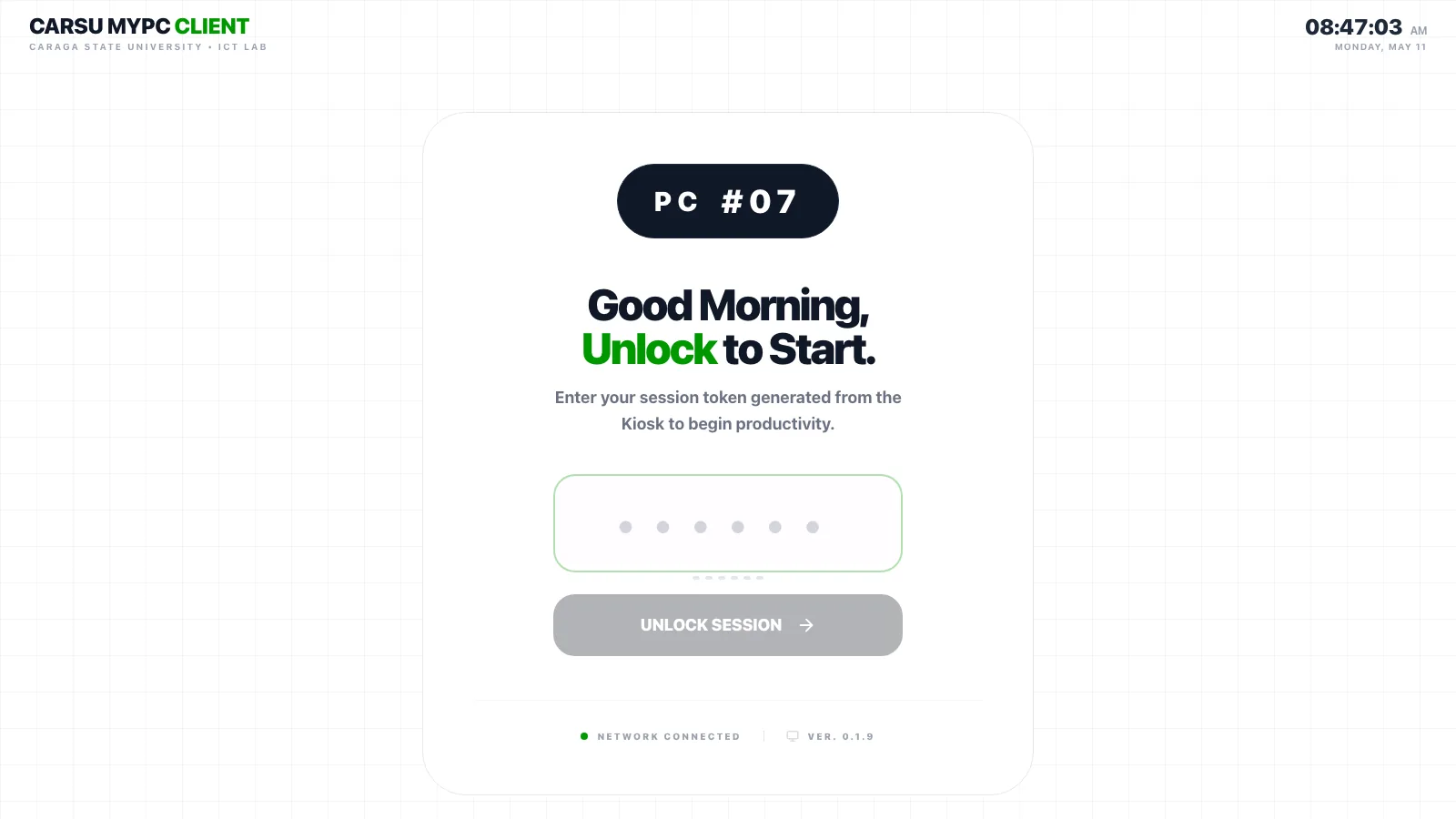
client · lock screen 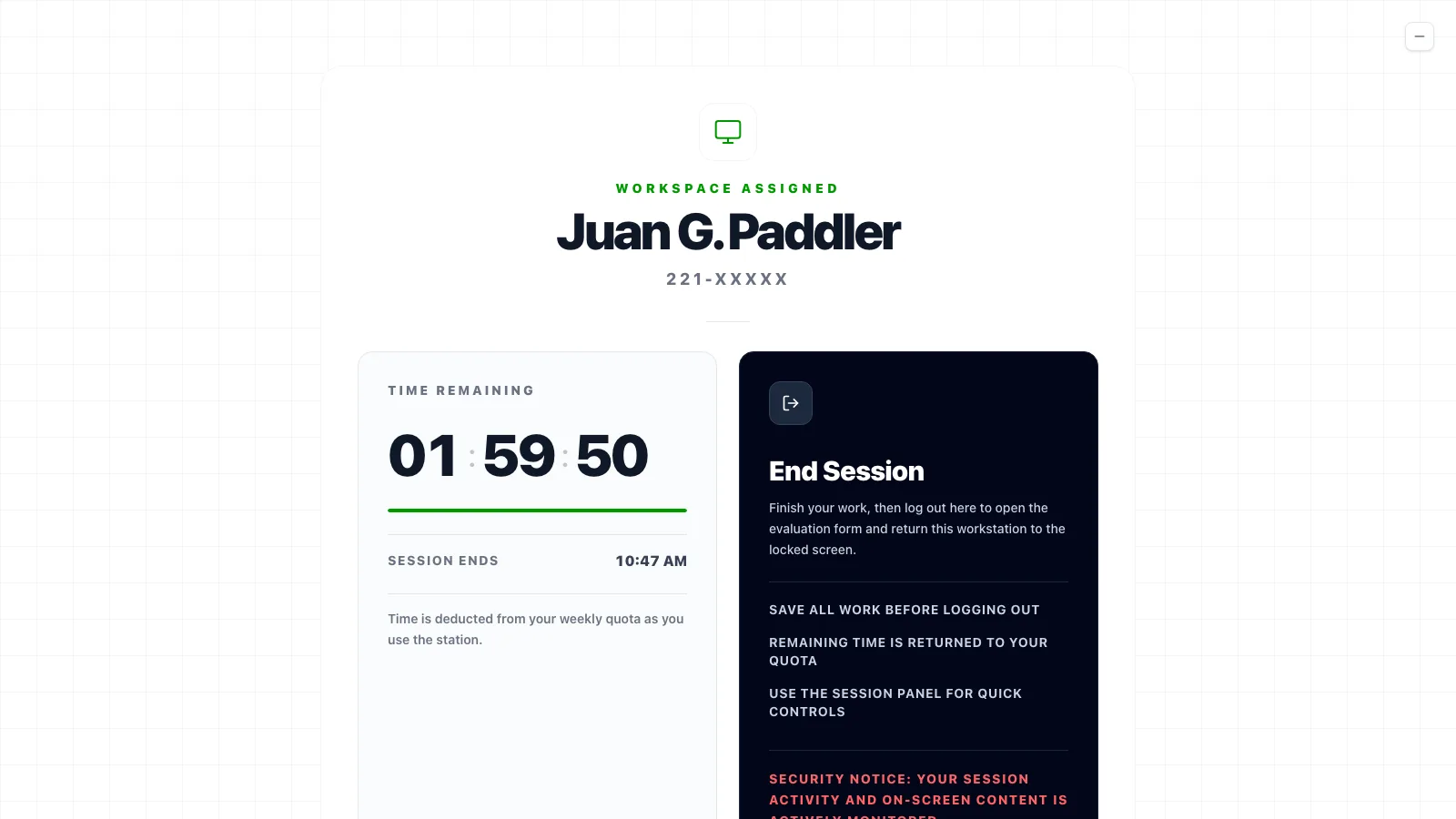
client · session 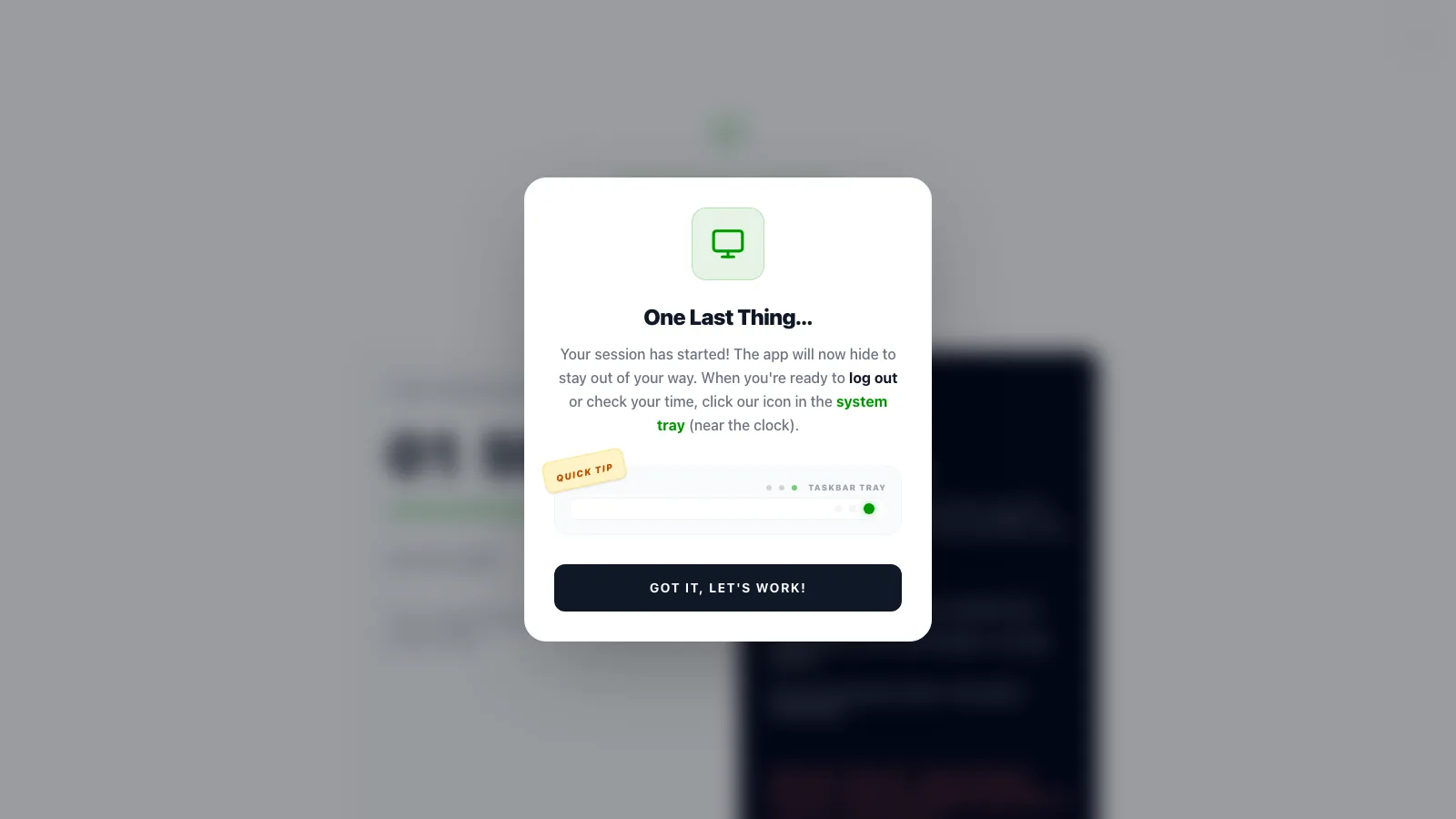
client · first-session tip 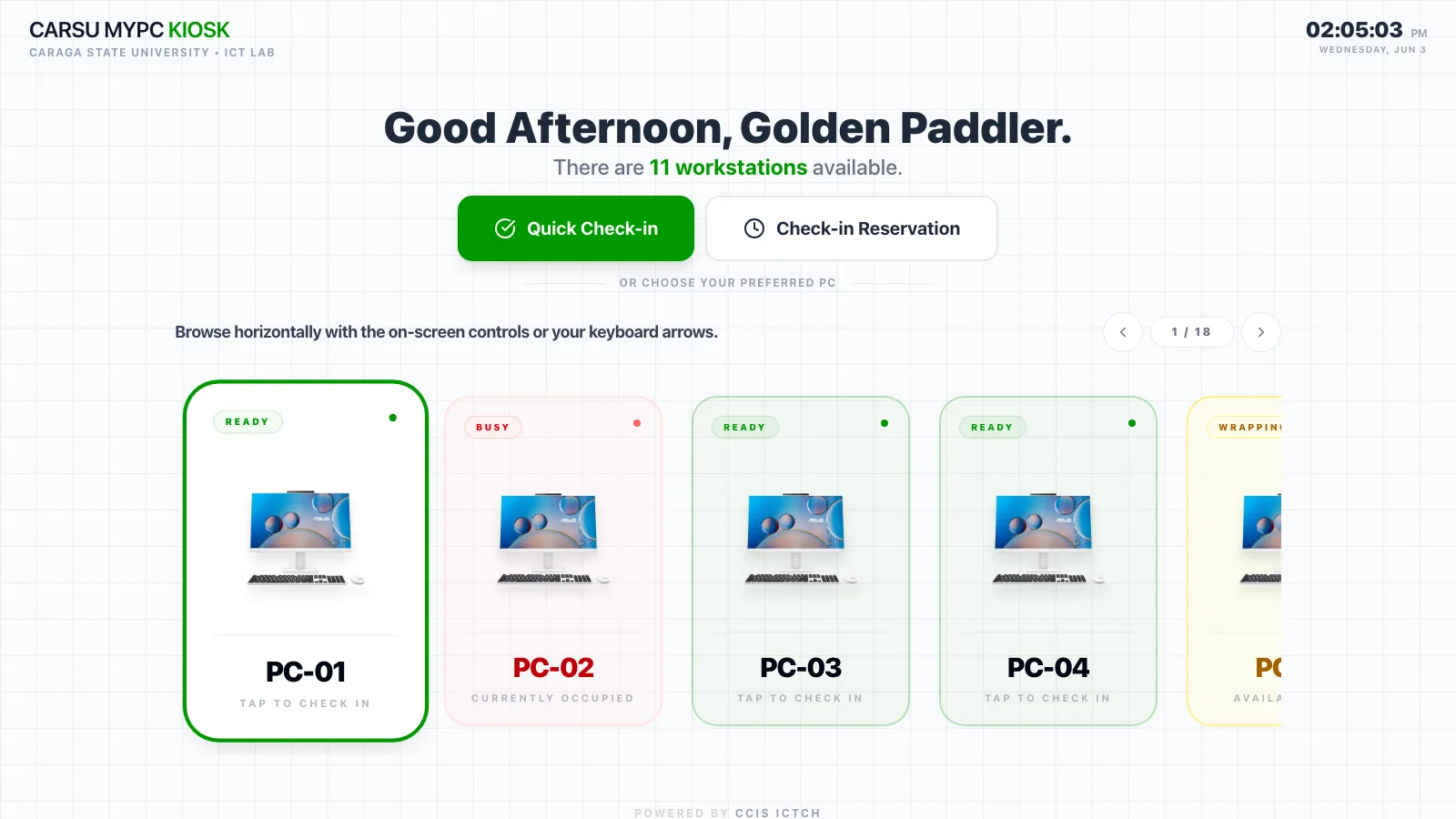
kiosk · photo carousel 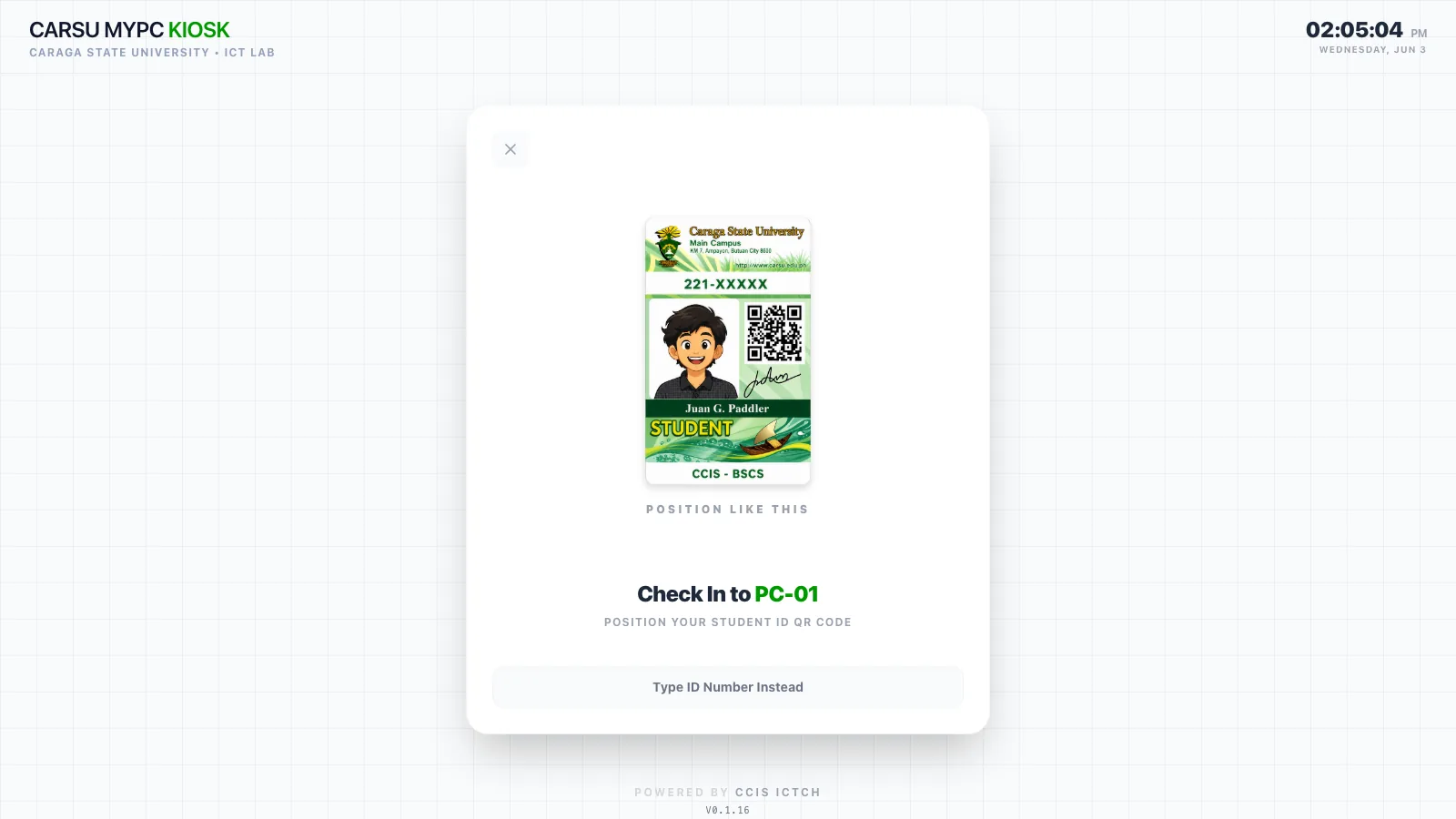
kiosk · scan your id - 05jun – aug
The sunny onejun – aug
A cream card with a cartoon sun over green hills, "Good Morning, Paddler!", orange code slots and a gradient "Let's go →" button. Cute, and very loud. It was fun for a while, but after looking at it every day it just felt like too much.
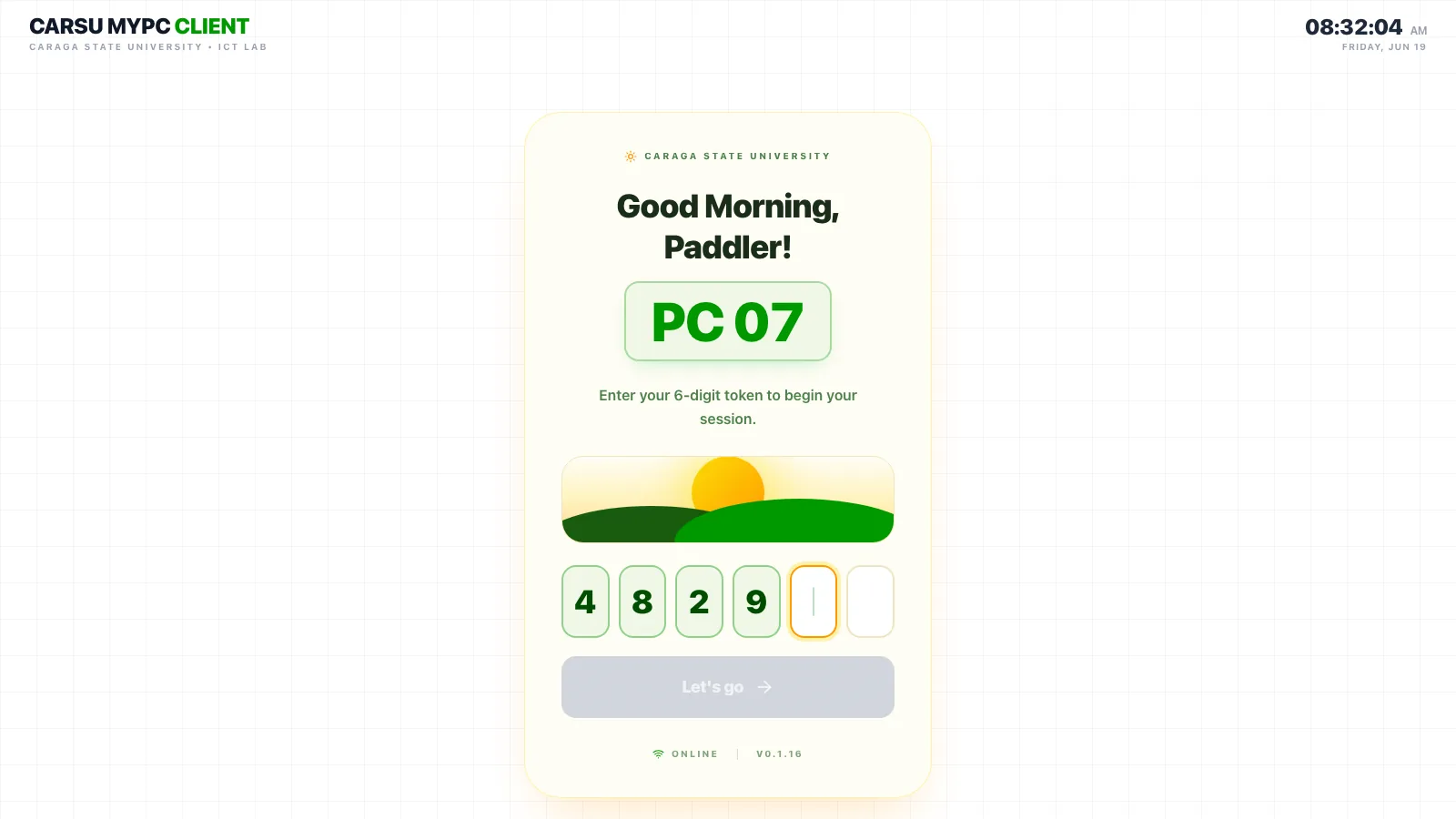
client · lock screen, june 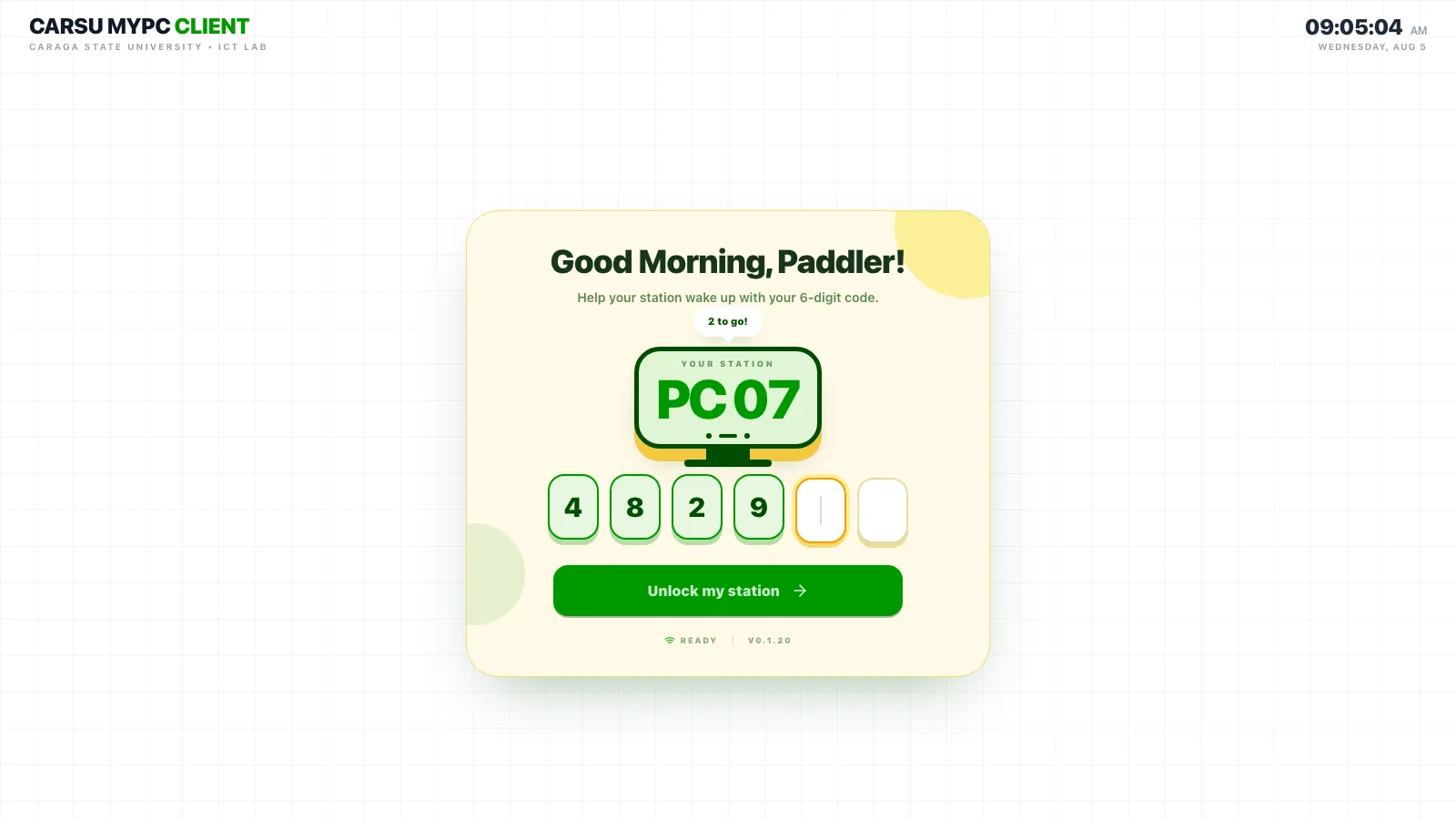
client · lock screen, august 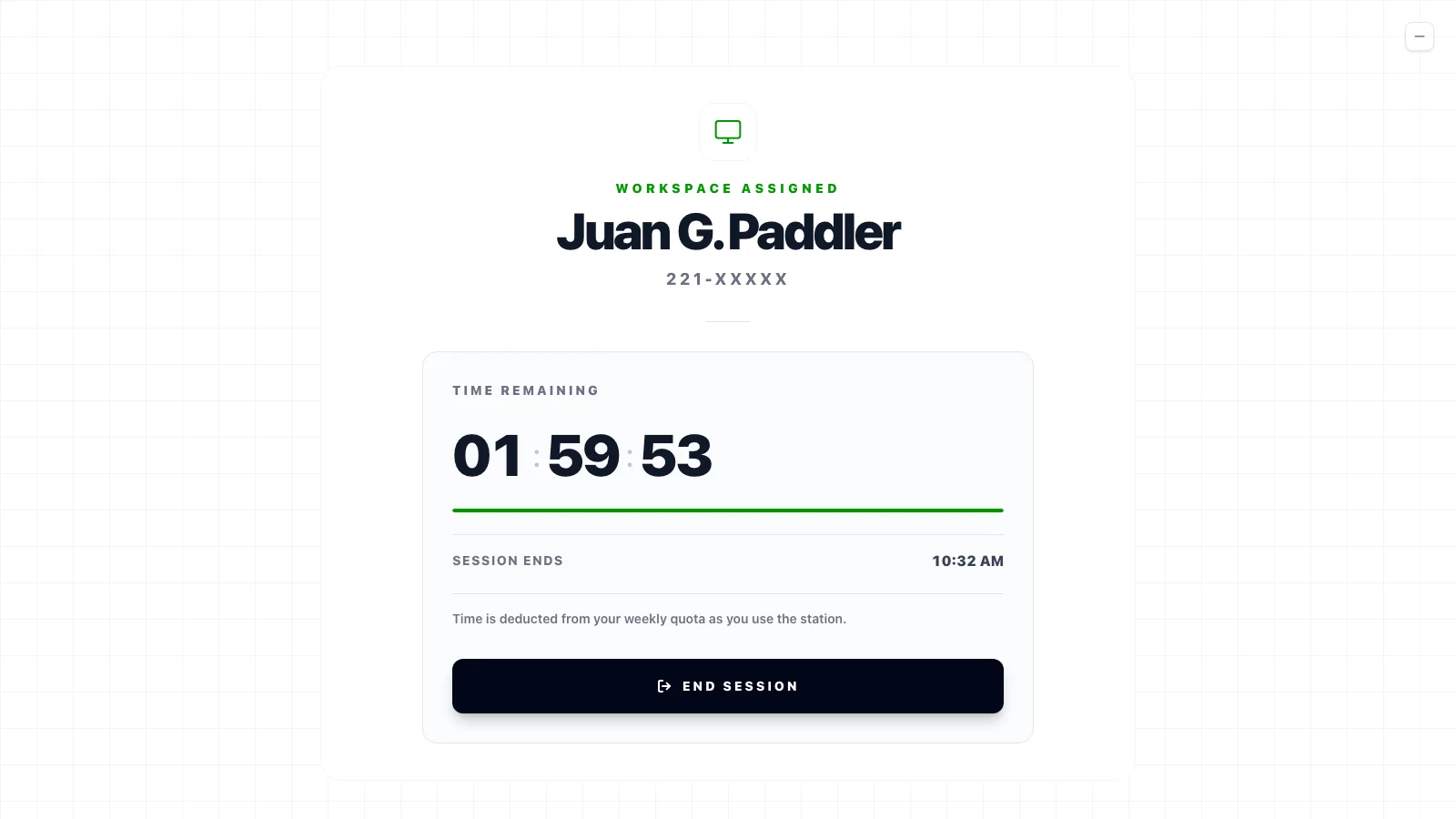
client · session 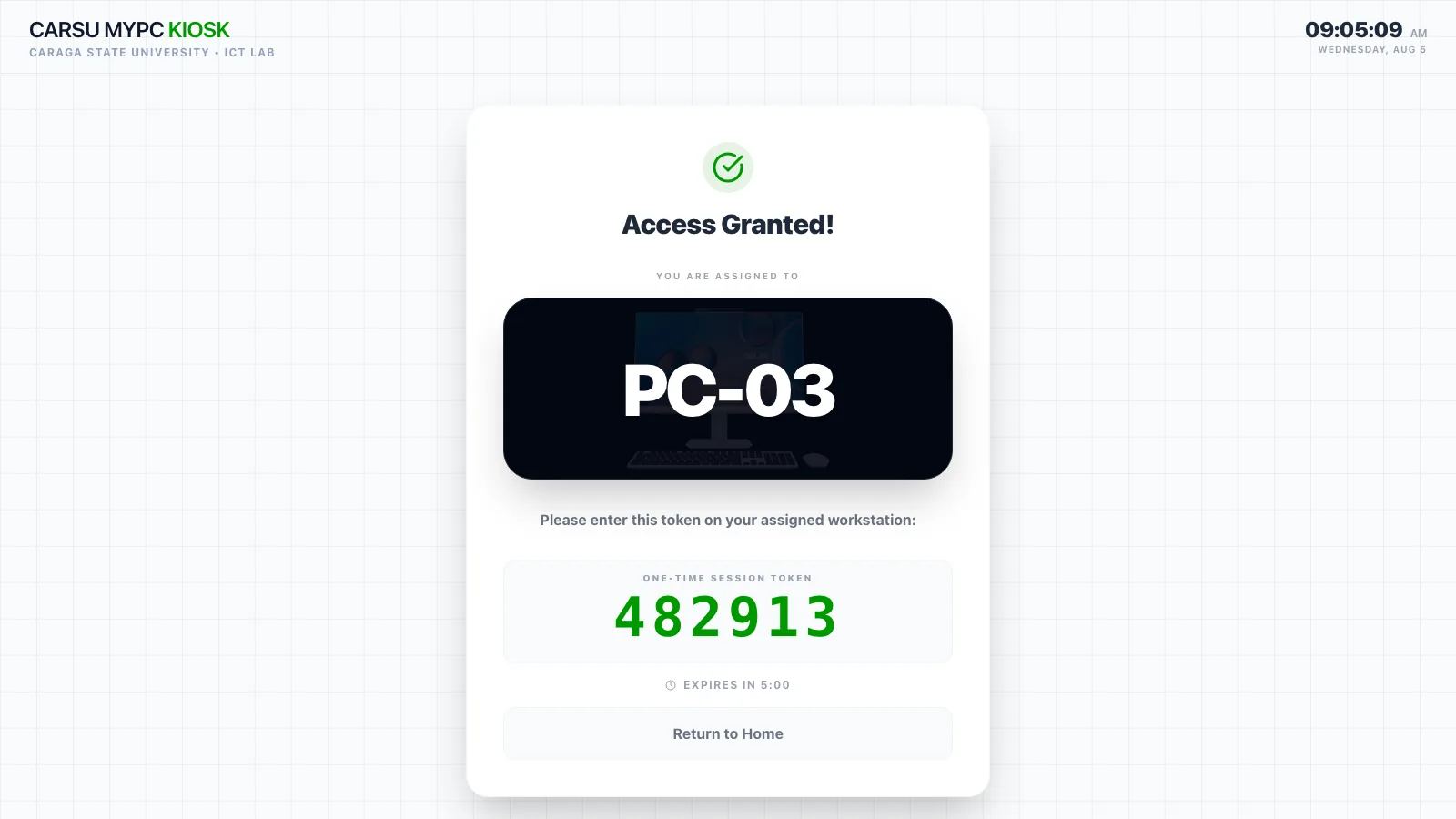
kiosk · access granted - 06aug
The big redesignaug
The big overhaul. Segoe UI since the whole cafe runs Windows, one paper card (#fbfbf8) for every single state, mono labels, and a live three.js grove behind everything, with ferns, butterflies and fireflies that change with the time of day. The front stays calm and the back stays alive, and that's basically still how everything looks now.
client · lock screen over the grove 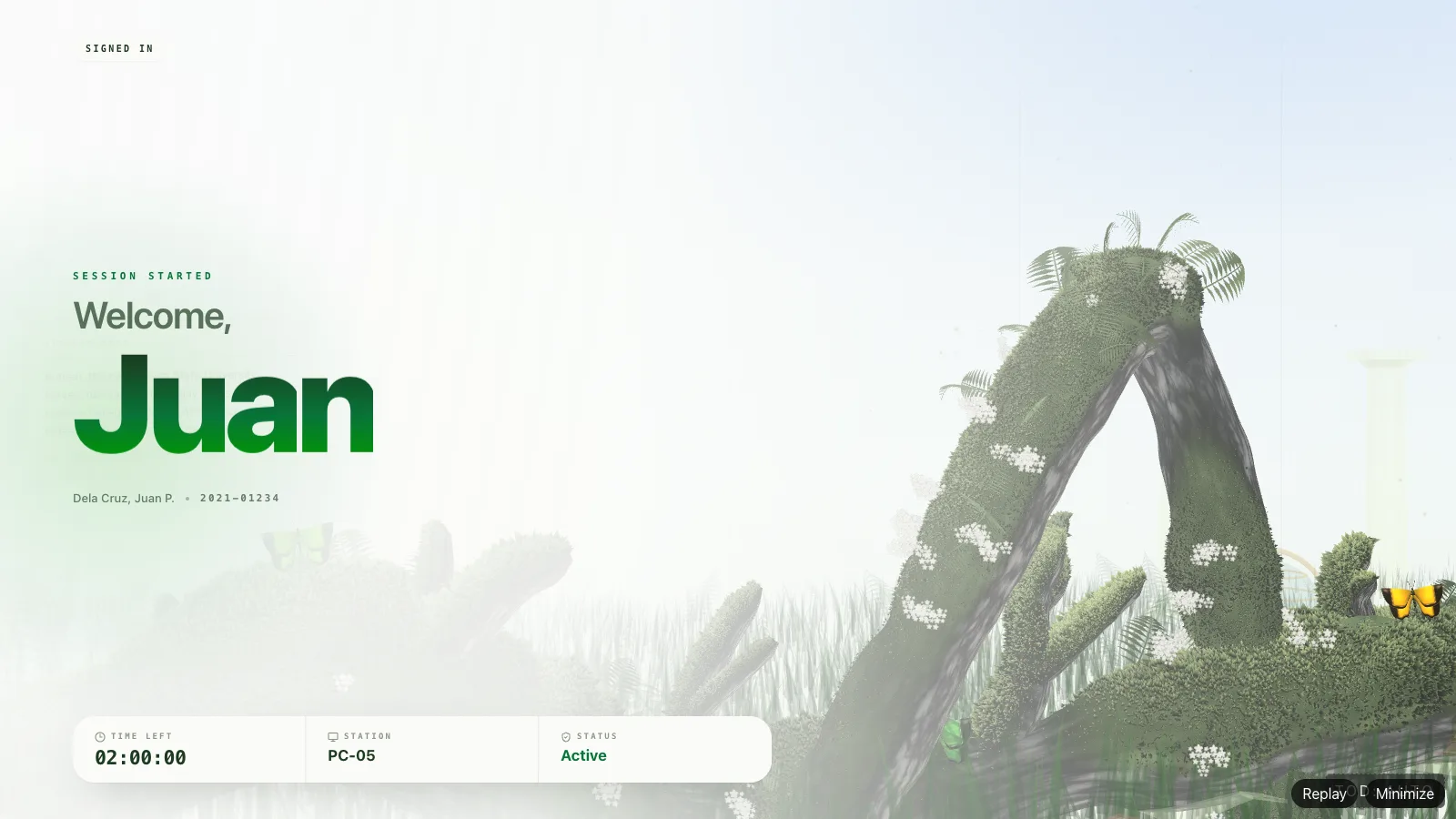
client · welcome - 07sep – oct
Putting the library insep – oct
I rebuilt the actual CSU library in 3D and put it behind the lock screen, with a Christmas mode, LED countdown boards and fireworks. The kiosk got the workstation board and seasonal stickers. I wanted the screen to look like the building you're actually sitting in.
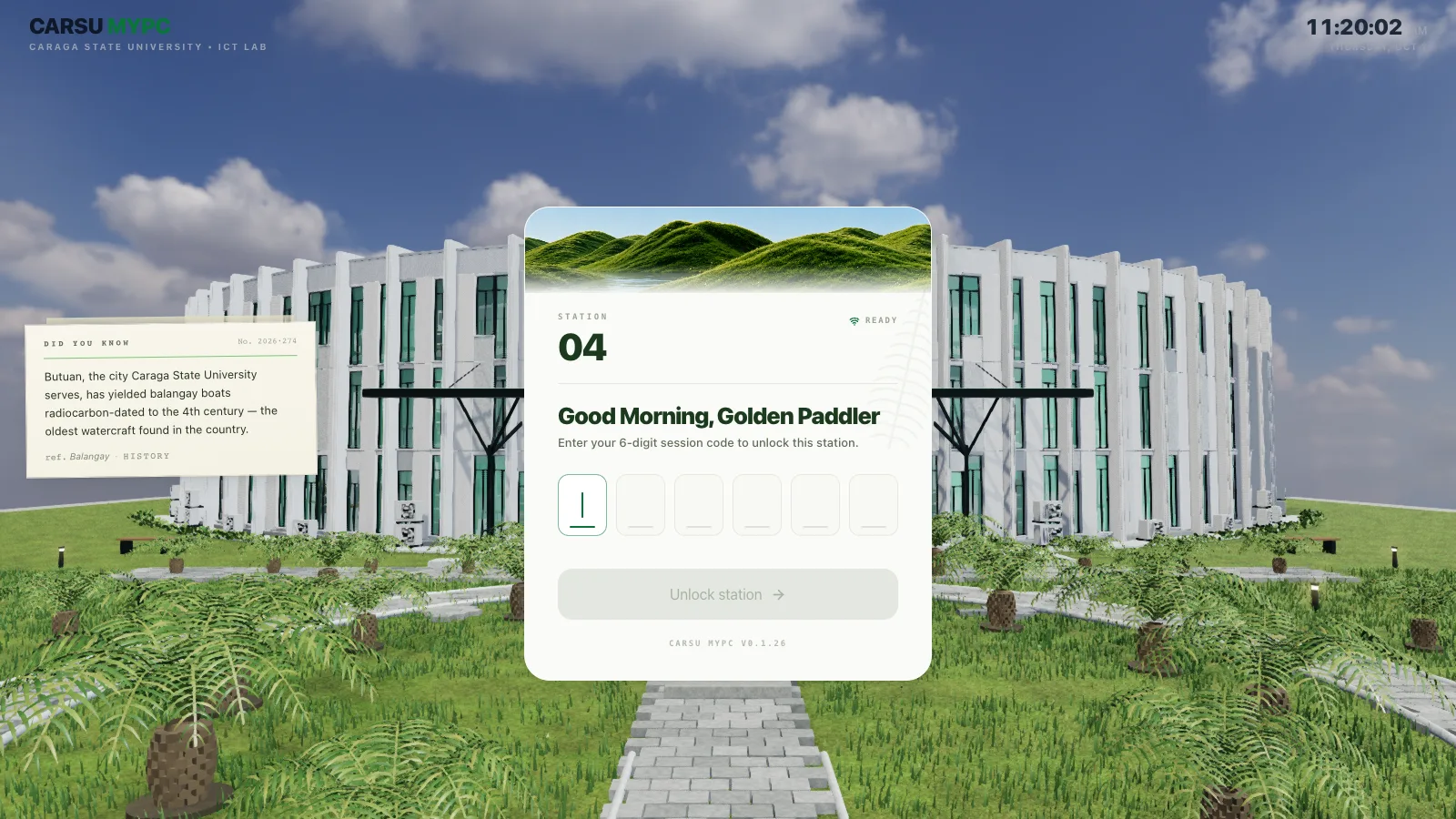
client · lock screen over the library 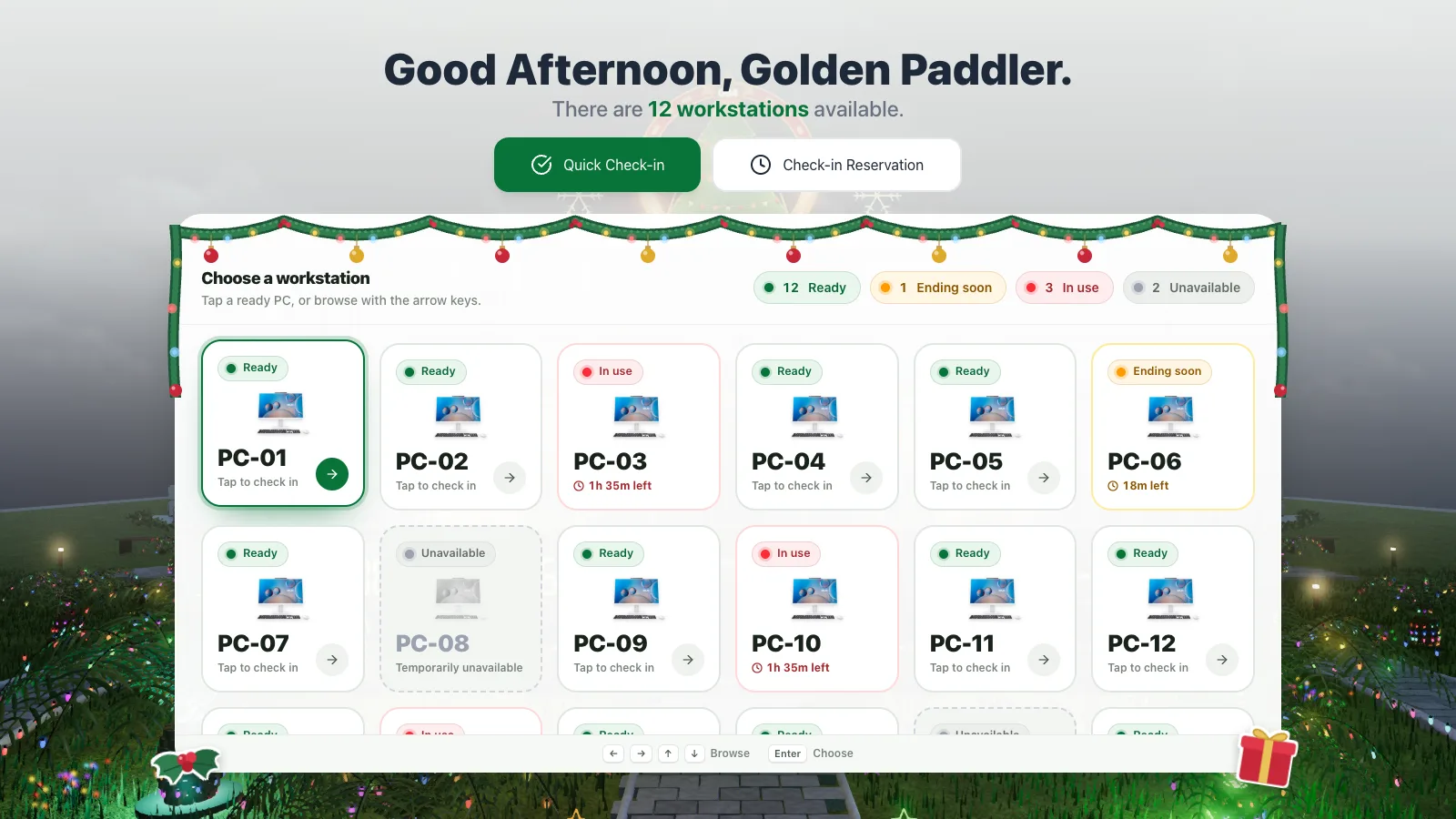
kiosk · board, christmas mode - 08oct
All the small stuffoct
All the small stuff that makes it feel cared for. "Are you still there?", a maintenance countdown on every PC, ban reasons you can actually read, the library-to-QR exit, and a smoother scanner. None of it would show up in a feature list, but you'd definitely notice if it was gone.
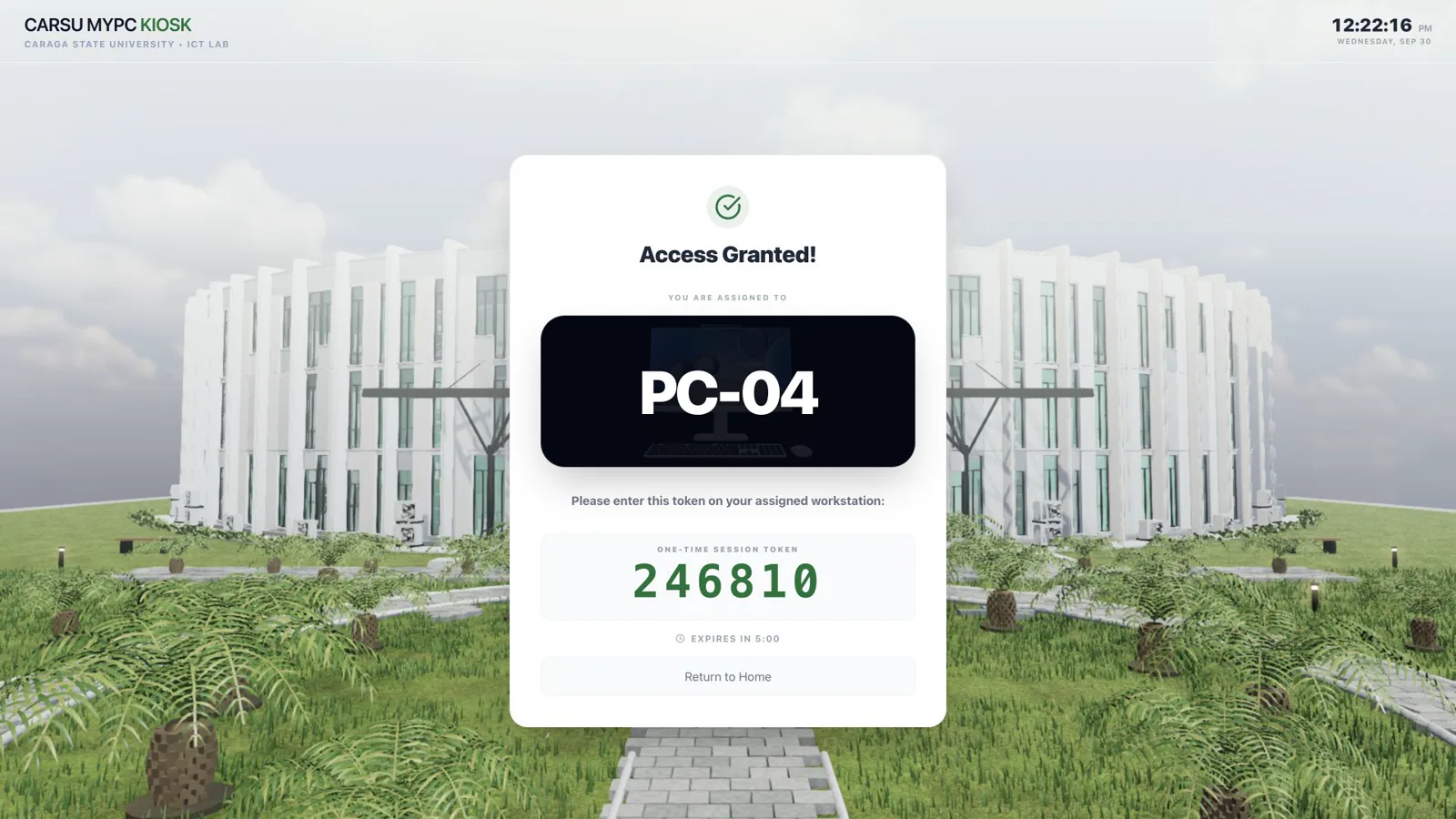
kiosk · access granted
A server that bundles with the app
For the first two months, the server was its own separate thing. You had to install it, run it, keep it alive, and then point every single app at it. I was fine with that because I’m the one who wrote it. But the ICT Cafe admin isn’t me, and I didn’t want the whole cafe to depend on someone remembering to start a server they’ve never even heard of.
So in April I bundled it with the Manager as a Tauri sidecar. The Rust server gets compiled into a binary that ships inside the Manager app, so when you install the Manager, you’re installing the server too. The Manager starts it, checks on it every few seconds, restarts it when it falls over, and shows its status right there in the UI like any other setting. You go through a setup wizard once and that’s it, the cafe has a server. Out of everything in this project, this is the part I’m proudest of, mostly because nobody ever notices it.
Here’s what it actually does all day. I drew it three ways: a normal day in the ICT Cafe, what’s inside the sidecar, and everything the Manager does to keep it alive. You can hover or tap literally anything.
Everything the cafe knows lives in one SQLite database sitting right next to the sidecar. Students, PCs, sessions, bookings, quotas, bans, all of it. Almost every complaint in a place like this is about time, like “I still had 20 minutes!”, so I wanted one clock and one record that every app trusts, instead of each PC keeping its own version of what happened. It also means nothing about a student ever has to leave the building.
Every app keeps a live connection open to the sidecar, but they don’t all hear the same things. The Manager gets every update, and a cafe PC only gets the messages about itself. That keeps the traffic small, keeps data from floating around where it doesn’t need to be, and it’s the reason the floor plan changes the second someone sits down.
When a new kiosk or PC gets set up, it finds the server on the cafe network by itself, pairs with it once, and everything after that is encrypted. I’m keeping the details to myself, but basically, being on the same Wi-Fi doesn’t get you anything. A random laptop can’t just show up and pretend to be a cafe PC.
The part I spent the most time thinking about is what happens when things break, because they always do. Every PC checks in every few seconds. If one goes quiet, the sidecar marks it offline and only charges the student up to the last time it heard from that PC. I can’t actually prove the student was still sitting there, so I’d rather give them the minutes than take away minutes they might have lost. Power outages work the same way. When the server comes back up, it closes every session that got cut off and gives the unused time back.
It also handles updates. The Manager downloads each new release once, and the cafe PCs grab it from the Manager over the local network, instead of all of them downloading the same file from GitHub at the same time. The actual install waits for a maintenance window, so nobody gets kicked out in the middle of their essay.
The bug I remember the most: one day the router gave the Manager PC a new IP address. The Manager kept checking on the sidecar at the old address, got no answer, decided it was dead, and restarted it. Over and over, on a server that was totally fine. Now when the address changes, the Manager makes a new certificate for the new address and restarts the sidecar once, on purpose. You can actually watch that happen in the “keeping it alive” view above.
The 3D stuff I couldn't stop adding
A computer cafe system does not need any of this. But students stare at these screens every single day, and if people are going to look at something that much, I want it to be nice to look at. Also, I just couldn’t stop. Every time something worked, I’d add one more thing. It became this endless loop of building and playing and building again.
All four of these are the real thing, pulled straight out of the apps, and you can play with every one.
The lanyard
On the website, the “borrow a friend’s hours” section has a student ID swinging from a rail. It runs on its own tiny physics solver (a few strap joints and one rigid card), and the card faces are drawn live, with school stickers stamped onto the holder. There’s a reason it’s that extra, though. Borrowing hours is the rule that’s easiest to abuse, so I wanted the section explaining it to be the one people actually stop and read. Grab it and throw it around. A quick tap flips it.
Library → QR
I rebuilt the CSU library in Blender, the whole building, just to put it behind the lock screen. When your session ends, the camera cranes up over the roof and the roof turns into a QR code for the availability page. It’s a pre-rendered film, because a PC that’s logging you out shouldn’t have to load an entire 3D library a second time. I do this a lot in this project: do the heavy work once on my own computer, so the cafe PCs only have to play it back.
On the very last frame, a live SVG of the same code swaps in, so your phone scans something crisp instead of compressed video. It’s a real code. Go ahead, scan it.
Faces on the podium
The exit sheet asks you to follow the ICT Cafe’s Facebook page for two free hours, and above that, this month’s top PC users stand on a little podium. They’re never real photos. Everyone gets one of 30 faces I drew, picked from a hash of their masked ID, so you keep the same face every time and no two people on the board match. Figuring out how to show a leaderboard without showing who anyone actually is was one of my favorite little problems in this whole thing. Every face blinks, bobs or chatters on its own loop.
After the promo comes a short evaluation form. Fun fact: I lowkey forgot to switch out the old QA Google Form for a while, so real students were still answering “what needs the most improvement before release?” One answer was just “faster signal.” Honestly? Valid.
Fireworks
Christmas in the Philippines basically starts in September, so the library goes into Christmas mode early too: a giant tree on the roof, LED boards counting down the days, and a whole fireworks show over the garden. Each burst (a gold chrysanthemum, a ruby peony, an emerald ring, a big gold willow and a few more) was simulated in Blender, baked into textures, and replayed on the GPU at 24 fps. Same idea as the film: the physics runs once on my machine, and the cafe PCs just play it back. In the client they run on a show clock. Here, you’re the show clock. Go crazy.
What's next
The thing I’m most excited about, and honestly the most careful about, is student-safety alerts. The first part shipped in v0.1.35. While you’re in a session, the PC notes which window is open and reads the text on screen with Windows’ own built-in OCR, right there on the PC. The screenshot gets thrown away immediately and only the text goes to the cafe server. There, keyword rules that staff can edit, plus a small model called EmbeddingGemma (about 300M parameters), look out for a few specific things, like signs that someone isn’t okay, or bullying.
The part I’m still building is the second look. When something gets flagged, the cafe server will ask that one PC for one screenshot and run Gemma 3 4B locally through llama.cpp to write a short, neutral note for staff, like whether the person is typing something or just reading it. I set it up in that order on purpose. The cheap checks run all the time, and the big model only wakes up for the rare moment that actually needs it, because running a 4B model on every screen all day would cook the cafe server. Everything stays on the cafe’s own machine, and the model gets downloaded once and runs offline after that. It’s not done yet, and I’m genuinely okay taking my time with this one.
I’m extra careful here because anything that reads screens can turn into surveillance really easily, and the code would look almost the same either way. What decides which one it is are the rules around it, so I set mine early. Nothing happens automatically. A flag never locks, logs out or bans anybody. It just means a real person checks in, quietly and kindly. Students get told before it’s ever turned on, logs get deleted after 30 days, and it runs in “review first” mode for weeks before a single warning shows up on anyone’s screen.
Also on the list:
- —a proper reservation portal for students, with calendar export
- —an alert for when the cafe's internet starts acting up
- —real-world testing of running the Manager remotely across networks
CarSU MyPC started as “lock the PC until the kiosk says yes” and somehow became the thing I’ve put the most of myself into. Now that I’m thinking about it, I genuinely have no idea how it got this big. I think it’s because I actually see the people using it every day.
If you’re a student at Caraga State University – Main Campus, check the availability page before you walk over. And if you’re building something like this for your own school, contact me here <3


